One face, one idea
Top-performing thumbnails feature a single large expression. Multi-photo collages must still crown one dominant reaction frame.
Thumbnails win or lose the click in 0.4 seconds — build 1280×720 collages where one expressive face dominates and every element reads at stamp size.
YouTube Thumbnail Native Dimension Preset
Avoid unwanted cropping or quality loss with YouTube Thumbnail's official dimension standards.
Top-performing thumbnails feature a single large expression. Multi-photo collages must still crown one dominant reaction frame.
Sidebar suggestions render thumbnails at ~168×94px. Zoom out constantly; if the story fails at that size, simplify.
Saturated complementary colours against dark backgrounds out-Click pretty muted designs. Grade boldly.
YouTube rejects oversized uploads; JPEG export keeps you safely inside the limit at full 1280×720.
Pre-set for 1280x720 (16:9) · HD watermark-free export.
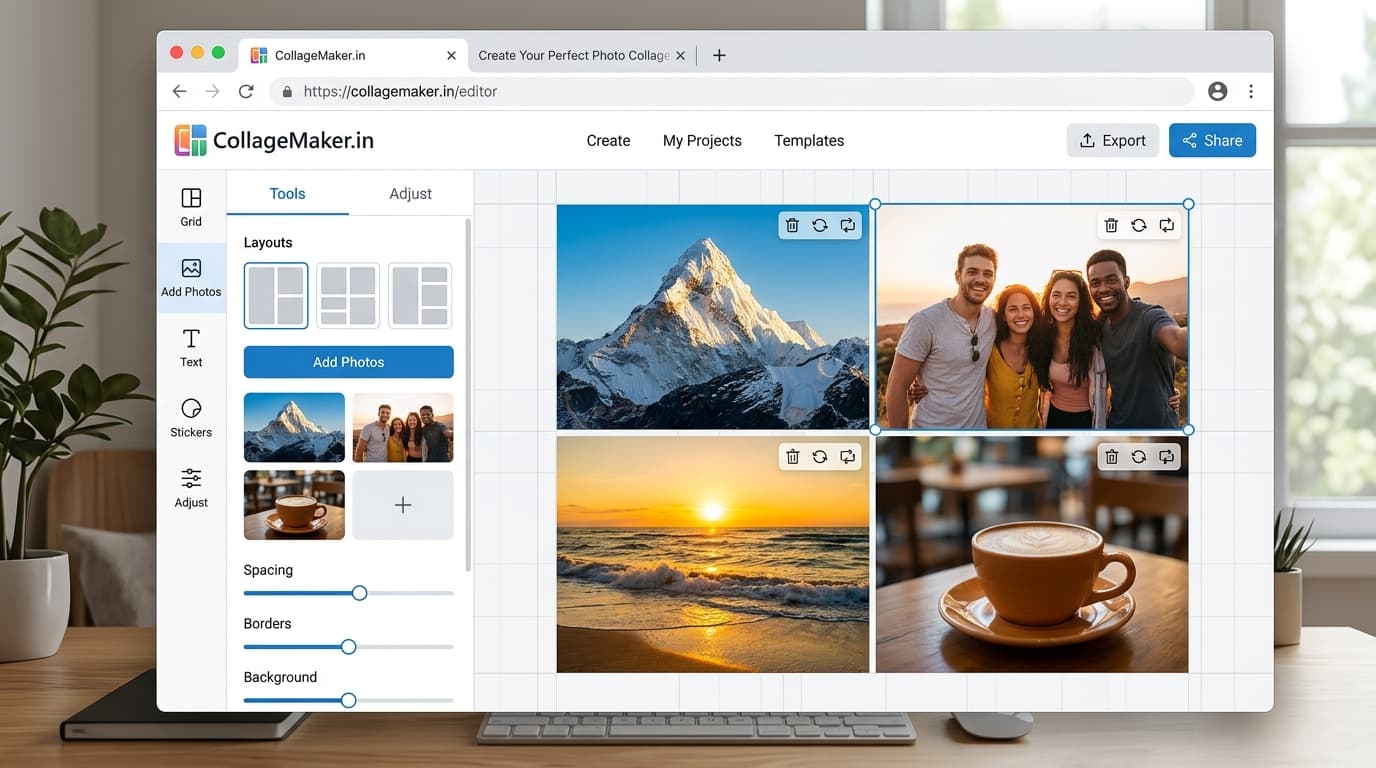
The interactive collage editor loads right here. Combine up to 40 photos into one HD collage with 12 smart layouts, then download it instantly as PNG or JPEG — free, no signup, and your photos never leave your device.
Upload up to 40 photos from your phone gallery or computer.
Choose from 12 smart grid layouts and drag photos into place.
Export a watermark-free PNG or JPEG, ready to share anywhere.
Choose your most expressive frame for the hero cell — faces drive clicks.
Secondary cells provide context at reduced size; nothing should fight the face for attention.
Zoom the preview way out. Legible story? Export JPEG and upload.
1280×720 pixels (16:9), under 2 MB. Both conditions are met by composing on the landscape canvas and exporting JPEG.
Not if hierarchy is strict — one dominant expression supported by smaller context cells. Equality kills CTR; dominance drives it.
Zoom your browser out until the canvas renders around 170px wide. If the story and faces still read, the thumbnail works in real sidebar conditions.
Possible but unwise — fresh thumbnails signal fresh content. Swap two cells and regrade for a fast variant instead.
Yes — free exports, no watermark, unlimited attempts at the perfect CTR weapon.
Compose at exact platform dimensions and export in full HD — no watermark, no signup.