Sequence or spotlight — pick one
Either tell a chronological story (grid, reading order) or spotlight one hero (magazine split). Mixing both logics confuses viewers.
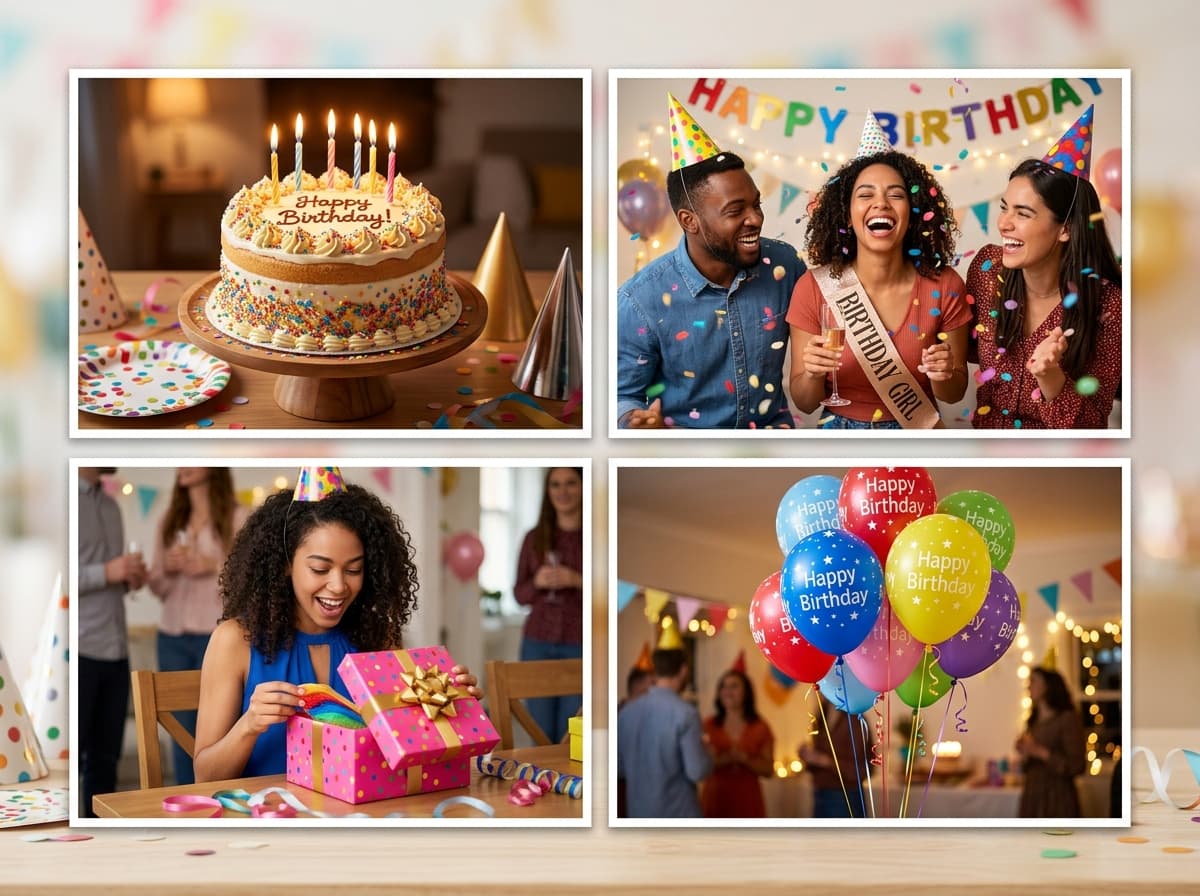
Four frames, infinite arrangements — the 4-photo collage balances equally-weighted grids and hero-led magazine splits depending on the story you want told.
 4 Photo · 4 Photos
Upload photos below — the 4 Photo is pre-configured and ready to export.
The interactive collage editor loads right here. Combine up to 40 photos into one HD collage with 12 smart layouts, then download it instantly as PNG or JPEG — free, no signup, and your photos never leave your device.
Upload up to 40 photos from your phone gallery or computer.
Choose from 12 smart grid layouts and drag photos into place.
Export a watermark-free PNG or JPEG, ready to share anywhere.
Tap any preview below to switch layouts. Your uploaded photos stay preserved.
Follow these visual principles for balanced colors, focal points, and storytelling.
Either tell a chronological story (grid, reading order) or spotlight one hero (magazine split). Mixing both logics confuses viewers.
In split layouts, make the big cell your most detailed frame and the three small cells quick context reads.
If two dark frames sit diagonally opposite, the grid tilts visually. Rebalance tones across the diagonal.
Four cells tolerate heavier filters than nine. Grade confidently, then verify on your phone screen.
Decide between equal storytelling and hero-spotlighting before touching cells.
Grid mode orders chronologically; split mode crowns the hero and fills around it.
PNG master for archiving, JPEG copy for instant sharing.
The equal 2×2 is one option within 4-photo collages. Magazine splits like Big+2 offer a different four-photo structure with one dominant image.
Apply the anchor rule: one establishing shot, two supporting details, one emotional closer. This quartet structure works for events, products, and people alike.
Yes — changing templates preserves your photo assignments wherever cell counts match, so experimenting costs nothing.
All four presets work. Square suits social posting, landscape suits blog headers, portrait suits story-format sharing.
Completely — unlimited free exports in PNG or JPEG with nothing stamped on them.
The collage studio above is 100% free and private. Upload once, adjust easily, and download in full HD.