Respect the Z-pattern
Viewers scan 2×2 grids top-left → top-right → bottom-left → bottom-right. Place your strongest opener first and your conclusion last.
The 2×2 grid treats every photo as an equal — ideal for before-and-after pairs, couple sets, and product angles where no frame deserves more weight than another.
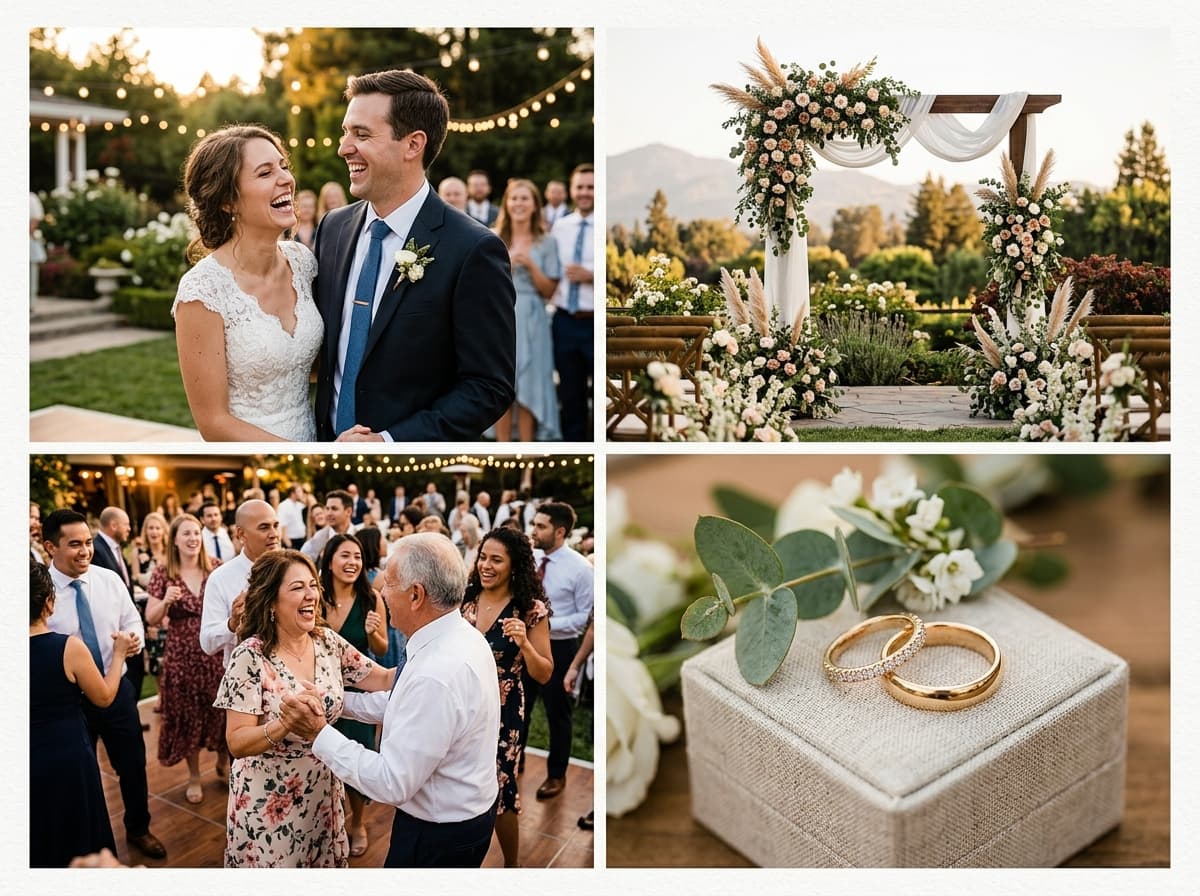 2x2 Grid · 4 Photos
Upload photos below — the 2x2 Grid is pre-configured and ready to export.
The interactive collage editor loads right here. Combine up to 40 photos into one HD collage with 12 smart layouts, then download it instantly as PNG or JPEG — free, no signup, and your photos never leave your device.
Upload up to 40 photos from your phone gallery or computer.
Choose from 12 smart grid layouts and drag photos into place.
Export a watermark-free PNG or JPEG, ready to share anywhere.
Tap any preview below to switch layouts. Your uploaded photos stay preserved.
Follow these visual principles for balanced colors, focal points, and storytelling.
Viewers scan 2×2 grids top-left → top-right → bottom-left → bottom-right. Place your strongest opener first and your conclusion last.
Keep subject distance consistent — all four headshots or all four waist-ups. Mixed crop distances break symmetry instantly.
With equal-sized cells, one dark frame drags the whole grid. Balance brightness across all four before export.
Gap width controls the grid's character: 4px feels seamless, 12px feels like a framed quad. Choose deliberately.
Pick frames with similar orientation and exposure so symmetry works for you.
Strongest story opener top-left, natural conclusion bottom-right.
Adjust gap and corner radius until the quad feels intentional, then export HD.
Before/after comparisons, two-person features, and four-angle product displays — anywhere four images deserve identical visual weight.
In the classic 2×2 template all cells remain equal. For one dominant image plus three smaller, switch to the Big+3 magazine template — your placements transfer automatically.
Square 1:1 keeps all four cells proportional. Portrait or landscape canvases turn cells into tall or wide rectangles, which suits matching-oriented photo sets.
Consistent crops, balanced exposure, and a deliberate gap width. Rounded corners between 6–10px add polish without looking bubbly.
Yes — free with no watermark, no signup, and instant HD export on any device.
The collage studio above is 100% free and private. Upload once, adjust easily, and download in full HD.