Direct the eye westward
Leftmost cell is act one. Place motion (walking, pouring, stirring) entering from the right edge so frames chain together.
Read left to right like a comic panel — horizontal strips excel at sequences: sunrise to sunset, raw to plated, empty hall to full house.
 Horizontal Strip · 3 Photos
Upload photos below — the Horizontal Strip is pre-configured and ready to export.
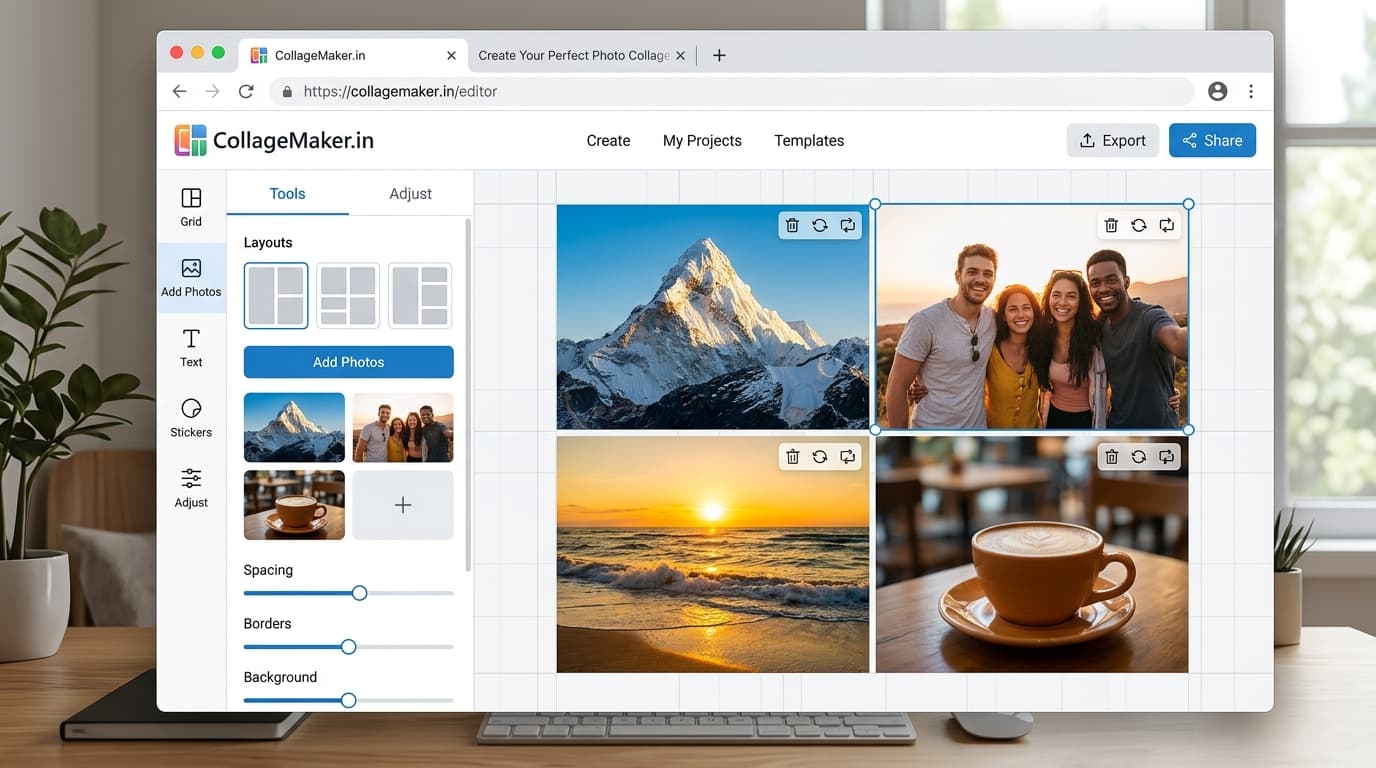
The interactive collage editor loads right here. Combine up to 40 photos into one HD collage with 12 smart layouts, then download it instantly as PNG or JPEG — free, no signup, and your photos never leave your device.
Upload up to 40 photos from your phone gallery or computer.
Choose from 12 smart grid layouts and drag photos into place.
Export a watermark-free PNG or JPEG, ready to share anywhere.
Tap any preview below to switch layouts. Your uploaded photos stay preserved.
Follow these visual principles for balanced colors, focal points, and storytelling.
Leftmost cell is act one. Place motion (walking, pouring, stirring) entering from the right edge so frames chain together.
Align horizons across all cells at the same height; drifting eyelines chop a strip into unrelated tiles.
Strips shine with a beginning-middle-end. With exactly three frames, ensure each advances the story rather than restating it.
Landscape canvas plus 2–4px gaps reads as one continuous film-strip rather than separate boxes.
Write your three-beat sequence mentally before uploading — strips punish random ordering.
Assign cells in narrative order and align key horizons across the row.
Preview at small size; if the strip reads as one image, export HD immediately.
Directional reading. Strips impose left-to-right sequence, making them ideal for processes and timelines where grids treat all cells equally.
Yes — additional columns extend the row, though beyond five or six cells each frame shrinks below comfortable viewing on phones.
Landscape 4:3 exports resize cleanly for profile banners; for ultra-wide headers, compose at 800×600 and crop externally to exact dimensions.
Beautifully — divide a panorama into thirds and the strip reconstructs it with film-like framing.
Always — clean HD output, free and unlimited.
The collage studio above is 100% free and private. Upload once, adjust easily, and download in full HD.