Design for thumb-speed
Statuses autoplay vertically — your stack should reward a glance: strongest frame first, details after.
Top-to-bottom is how thumbs scroll — vertical stacks fit stories, statuses, and phone screens natively, no pinch-zoom required to see faces.
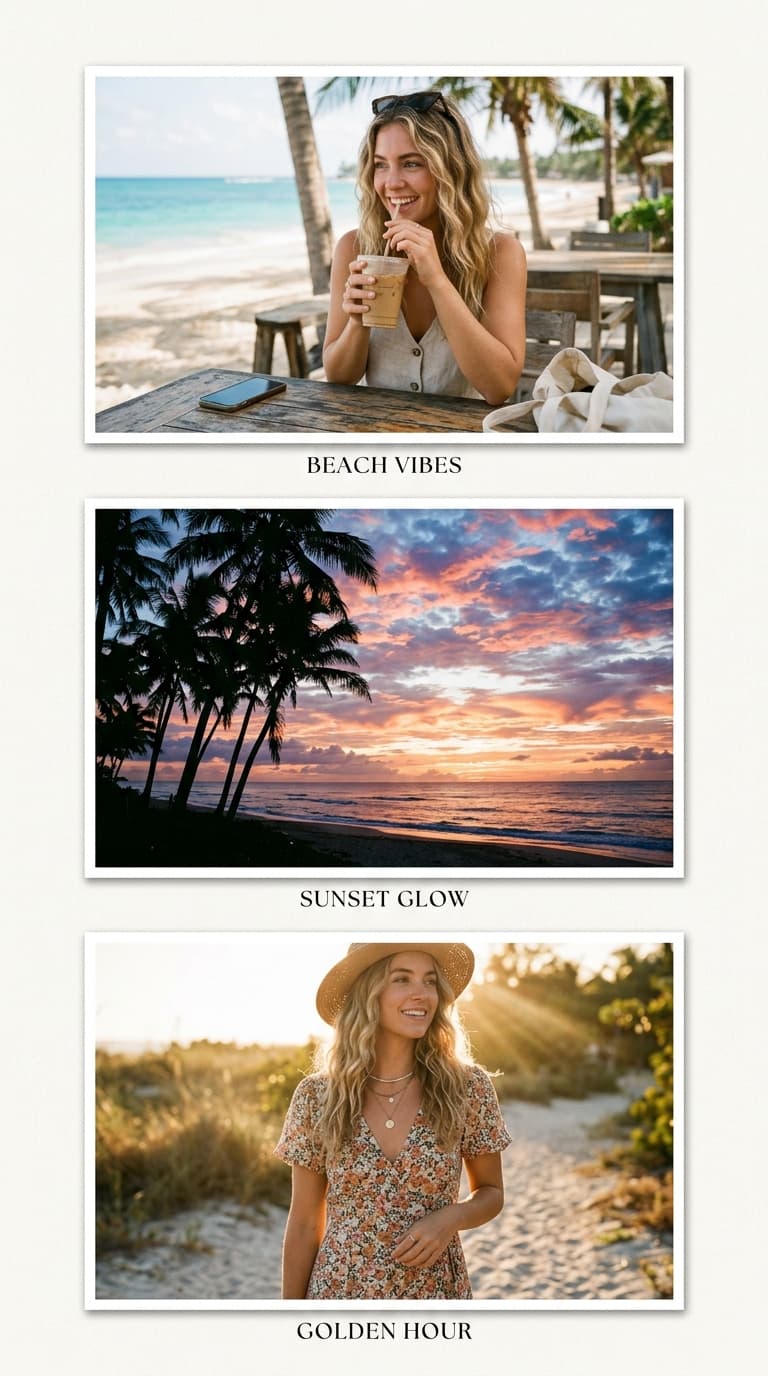 Vertical Strip · 3 Photos
Upload photos below — the Vertical Strip is pre-configured and ready to export.
The interactive collage editor loads right here. Combine up to 40 photos into one HD collage with 12 smart layouts, then download it instantly as PNG or JPEG — free, no signup, and your photos never leave your device.
Upload up to 40 photos from your phone gallery or computer.
Choose from 12 smart grid layouts and drag photos into place.
Export a watermark-free PNG or JPEG, ready to share anywhere.
Tap any preview below to switch layouts. Your uploaded photos stay preserved.
Follow these visual principles for balanced colors, focal points, and storytelling.
Statuses autoplay vertically — your stack should reward a glance: strongest frame first, details after.
Fashion and lookbook stacks mirror body order: accessories top, full-length bottom. Viewers decode instantly.
Shoot one scene in three vertical pans (sky, subject, ground) and stack them — the collage reunites what the lens cut.
Story canvas (9:16) with 2–4px gaps presents the stack as a single flowing column, maximising screen fill.
Choose photos that make sense stacked — continuity beats variety in vertical formats.
Top cell gets the hook frame since stories reveal downward.
Zoom out before exporting; if faces read clearly tiny, ship it.
Both platforms present content vertically full-screen. A 9:16 stack fills that viewport entirely, while squares letterbox awkwardly.
Three to five reads comfortably on one screen; more rows force viewers to squint at shrunken frames.
Yes — auto-fit centre-crops each into the column, though consistently-oriented sources produce calmer results.
Completely — no watermark, no signup, unlimited HD exports.
The collage studio above is 100% free and private. Upload once, adjust easily, and download in full HD.