01
Varmala exchange
The garland moment is almost always the sharpest emotional frame — natural candidate for the hero cell.
From the varmala exchange to the send-off, build wedding collages worthy of the album — elegant layouts, HD export, and zero watermarks on the memories.
 Festival Keepsake
Indian weddings produce thousands of frames across functions — mehndi, sangeet, ceremony, reception — and most of them die quietly in a folder nobody opens again. A wedding collage solves that: one image that carries the whole celebration, whether it goes into a printed album page, a thank-you card, or the family WhatsApp group.
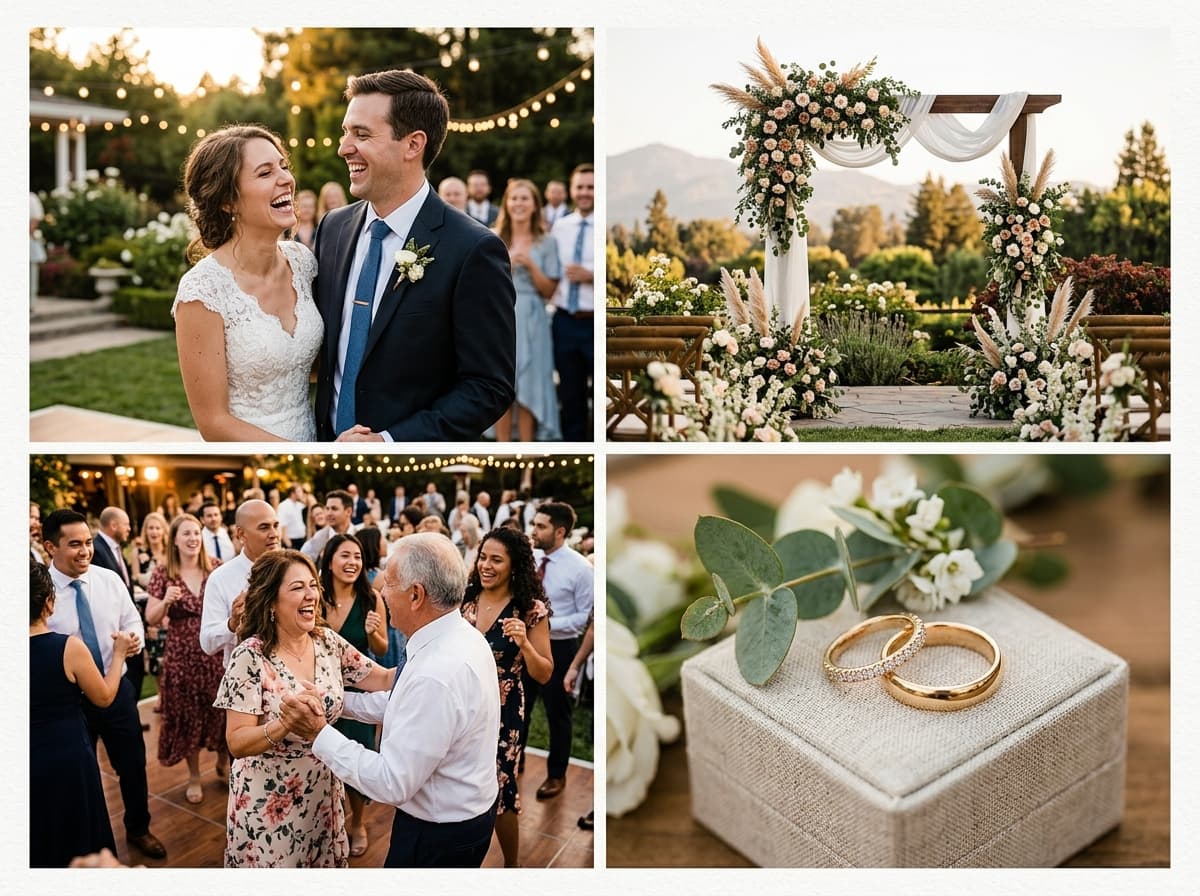
Editorial layouts work best here. Give the couple's portrait the dominant cell, surround it with detail shots — the rings, the mehndi, the jaimala hands — and finish with one candid crowd-pleaser. Muted backgrounds and consistent white or ivory gaps keep the result looking like it came from a designer, not an app.
Capture these key frames during Wedding to tell the full, heartfelt story.
The garland moment is almost always the sharpest emotional frame — natural candidate for the hero cell.
Detail close-ups add luxury texture between wider ceremony shots.
Henna patterns photograph beautifully against fabric — perfect filler cells.
One mid-dance frame with motion blur brings life to otherwise formal grids.
The circle around the fire shot from above anchors the religious heart of the day.
Close the story with the send-off — collages that end on emotion get shared more.
Upload your festival photos below — 100% private, free, and watermark-free.
The interactive collage editor loads right here. Combine up to 40 photos into one HD collage with 12 smart layouts, then download it instantly as PNG or JPEG — free, no signup, and your photos never leave your device.
Upload up to 40 photos from your phone gallery or computer.
Choose from 12 smart grid layouts and drag photos into place.
Export a watermark-free PNG or JPEG, ready to share anywhere.
Make sure you have all the essential shots before printing or posting.
Match colour temperature across cells — mixed tungsten/daylight looks amateur
Give the couple exactly one dominant cell, never two competing heroes
Use consistent gap width; uneven borders are the fastest way to look cheap
Convert one frame to black & white for editorial rhythm if colours clash
Export PNG at full resolution before sending to print
Big+2 and Big+3 templates give couple portraits the hero treatment while detail shots fill the margins elegantly.
Soft 8–12px corner radius and generous gaps create the ivory-matboard look of premium wedding albums.
PNG export keeps sharpness for printing on canvas or in albums up to A3 without pixelation.
Pick two or three keepers from each event rather than drowning in 200 similar frames.
Hero portrait centre-left, details around it, one candid to break formality.
PNG for print, compact JPEG for the family group — same collage, two jobs.
Five to nine works best. Beyond nine, individual moments shrink until faces become unrecognisable — better to make two themed collages than one crowded one.
Yes. Choose PNG export and the highest canvas size; the output stays crisp at common print sizes including A4 and A3.
Magazine layouts with rounded corners and a soft background colour mimic premium album design. Avoid zero-gap grids for weddings — breathing space reads as elegance.
Drag any photo from the sidebar onto another cell to swap instantly; undo history keeps up to 40 steps safe.
Never. Exports are completely clean — they are your memories, not our advertisement.
Turn this year's wedding photos into one share-worthy collage — free, watermark-free, done in minutes.