Crown one frame
Five equal cells look democratic and forgettable. Promote your best shot to double-size and let three supporters orbit it.
Five photos force good editing — one clear hero, three strong supporters, one wild card. The magazine-style layouts here make that hierarchy look designed, not accidental.
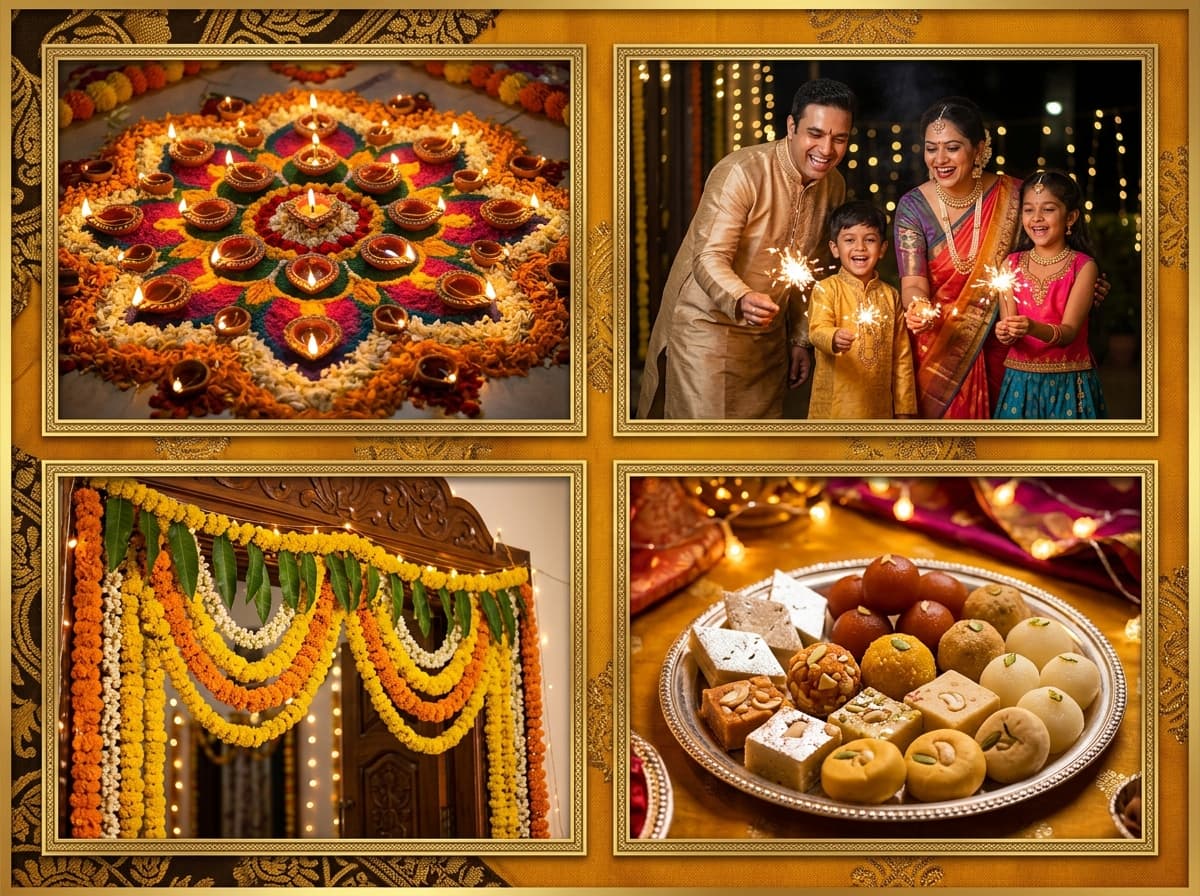 5 Photo · 5 Photos
Upload photos below — the 5 Photo is pre-configured and ready to export.
The interactive collage editor loads right here. Combine up to 40 photos into one HD collage with 12 smart layouts, then download it instantly as PNG or JPEG — free, no signup, and your photos never leave your device.
Upload up to 40 photos from your phone gallery or computer.
Choose from 12 smart grid layouts and drag photos into place.
Export a watermark-free PNG or JPEG, ready to share anywhere.
Tap any preview below to switch layouts. Your uploaded photos stay preserved.
Follow these visual principles for balanced colors, focal points, and storytelling.
Five equal cells look democratic and forgettable. Promote your best shot to double-size and let three supporters orbit it.
Reserve the fifth cell for tonal contrast — a black-and-white among colours, or a macro among wides.
At five-cell size, faces remain legible. Beyond that they shrink fast — five is the practical maximum for people-centric collages.
Placing the hero in a corner (rather than centre) creates dynamic asymmetry that suits editorial moods.
Order photos by impact before uploading; the top seed becomes the hero.
Drop the hero into the largest cell, then assign supporters by decreasing importance.
Grade the wild-card cell differently — grayscale or warmer — then export.
Five enables true hierarchy: one hero plus meaningful support without the symmetric neatness of even counts. It is the editorial sweet spot.
Big+2 style splits dedicate roughly half the canvas to the hero while distributing the remainder — far stronger than forcing five equal cells.
Template cells have fixed proportions by design, ensuring balanced results. Switch templates to change proportions wholesale.
Landscape 4:3 suits hero-split compositions naturally, though square exports perform equally well on social feeds.
Zero — free exports, no watermark, no registration.
The collage studio above is 100% free and private. Upload once, adjust easily, and download in full HD.