Anchor the centre cell
The middle square is where eyes land. Reserve it for your single strongest frame and build the story around it.
Build a clean 3x3 photo grid or aesthetic moodboard from up to 9 photos — auto-fit cells, instant HD download, no watermark, no signup.
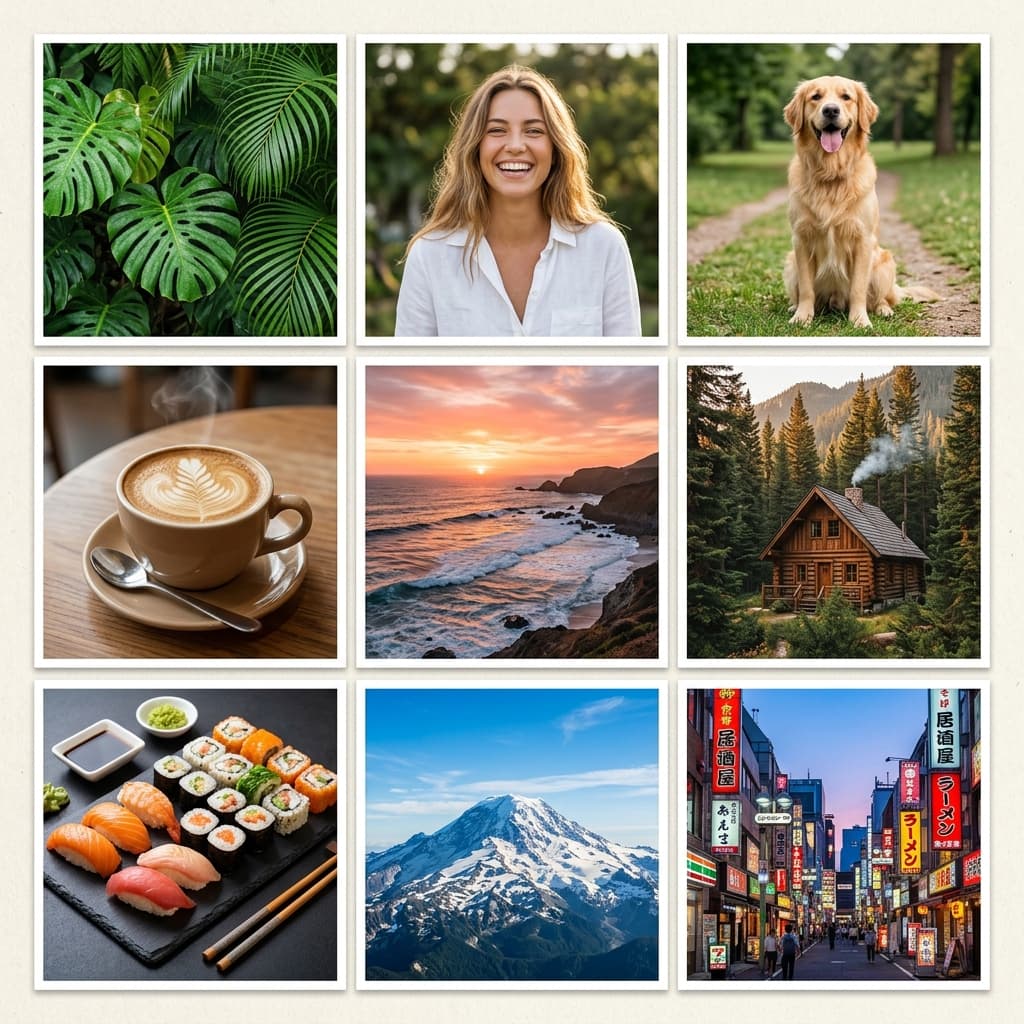 3x3 Grid · 9 Photos
Upload photos below — the 3x3 Grid is pre-configured and ready to export.
The interactive collage editor loads right here. Combine up to 40 photos into one HD collage with 12 smart layouts, then download it instantly as PNG or JPEG — free, no signup, and your photos never leave your device.
Upload up to 40 photos from your phone gallery or computer.
Choose from 12 smart grid layouts and drag photos into place.
Export a watermark-free PNG or JPEG, ready to share anywhere.
Tap any preview below to switch layouts. Your uploaded photos stay preserved.
Follow these visual principles for balanced colors, focal points, and storytelling.
The middle square is where eyes land. Reserve it for your single strongest frame and build the story around it.
Never place two visually noisy frames adjacent. Detail shots between crowd shots give the grid breathing rhythm.
Apply a single preset across all nine cells — mismatched colour grades are the fastest route to messy.
Reading flows column-first on phones. Arrange left-column beginnings, right-column endings for natural scanning.
Upload 12–15 candidates, then assign the nine survivors to cells.
Place the hero shot middle, then distribute supporting frames around it.
One preset across all cells, tweak outliers, export HD.
Exactly nine display simultaneously, though you can preload up to forty and swap cells freely while composing.
It is the standard format for that. Compose at square canvas, export PNG, and the grid posts as one seamless image at full feed resolution.
No — the auto-fit system centre-crops each photo to its cell, so mixed portrait and landscape sources align cleanly.
Between 2px (near-seamless wall) and 8px (defined tiles). Wider gaps fragment a nine-cell grid into disconnected thumbnails.
None whatsoever — clean HD files, free forever, no account required.
The collage studio above is 100% free and private. Upload once, adjust easily, and download in full HD.