Feed posts love squares
1080×1080 remains the safest feed format — full-width in the grid preview with zero awkward cropping.
Instagram rewards grids that stop thumbs — compose at true 1080×1080, keep faces inside the safe zone, and export PNG sharpness that survives compression.
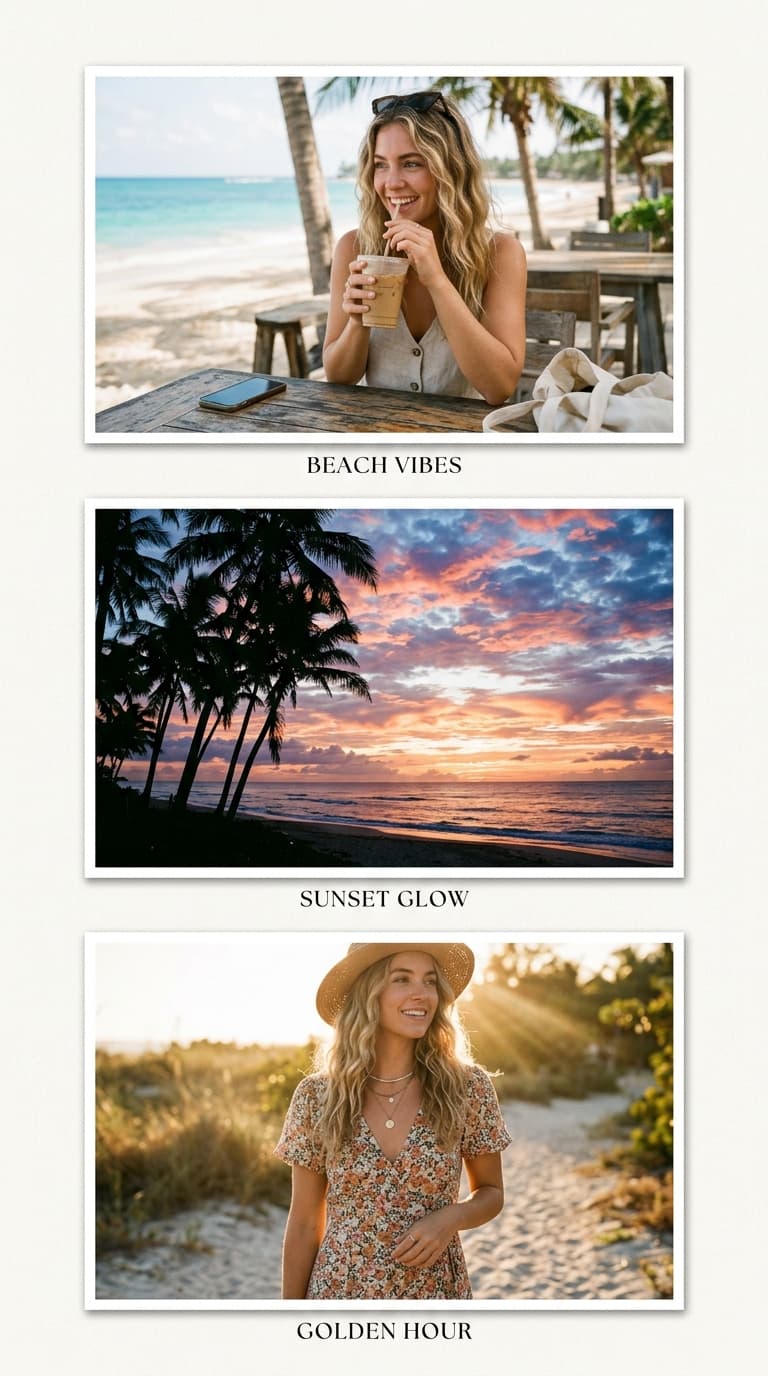
Instagram Native Dimension Preset
Avoid unwanted cropping or quality loss with Instagram's official dimension standards.
1080×1080 remains the safest feed format — full-width in the grid preview with zero awkward cropping.
Export a 3×3 moodboard as slide one and individual photos as following slides — one upload, two consumption modes.
Switch canvas to 9:16 for cover frames; 13% margins top/bottom get cropped by UI overlays, so keep text central.
Instagram recompresses everything. PNG exports with strong contrast and clean edges survive it visibly better.
Pre-set for 1080x1080 (1:1) · HD watermark-free export.
The interactive collage editor loads right here. Combine up to 40 photos into one HD collage with 12 smart layouts, then download it instantly as PNG or JPEG — free, no signup, and your photos never leave your device.
Upload up to 40 photos from your phone gallery or computer.
Choose from 12 smart grid layouts and drag photos into place.
Export a watermark-free PNG or JPEG, ready to share anywhere.
Build your collage on the square canvas — it maps 1:1 onto feed pixels with no scaling surprises.
Keep faces and text within the middle 80%; grid previews and Stories UI trim edges aggressively.
Download PNG, transfer to phone if needed, and publish — no third-party resizers required.
1080×1080 square is the feed standard. Use 1080×1350 for taller portrait posts or 1080×1920 for Stories and Reels covers — all available in the canvas presets.
PNG. Instagram recompresses uploads heavily; starting from a clean, artefact-free PNG yields visibly sharper results, especially with text or fine detail.
The grid preview shows a centre-cropped thumbnail, but followers see the full square in feed view. Keep critical elements central so both views work.
Yes — compose one overview collage and export individual photos separately from the same loaded set for a rich multi-slide carousel.
Free forever — no watermark, no login, unlimited HD exports.
Compose at exact platform dimensions and export in full HD — no watermark, no signup.