Size discipline wins
JPEG export at quality 85 typically lands collages between 300–800 KB — fast on 3G, invisible in storage warnings.
Turn your gallery into a WhatsApp-ready collage in seconds. Auto-fit layouts, HD download under a megabyte, and zero watermark.
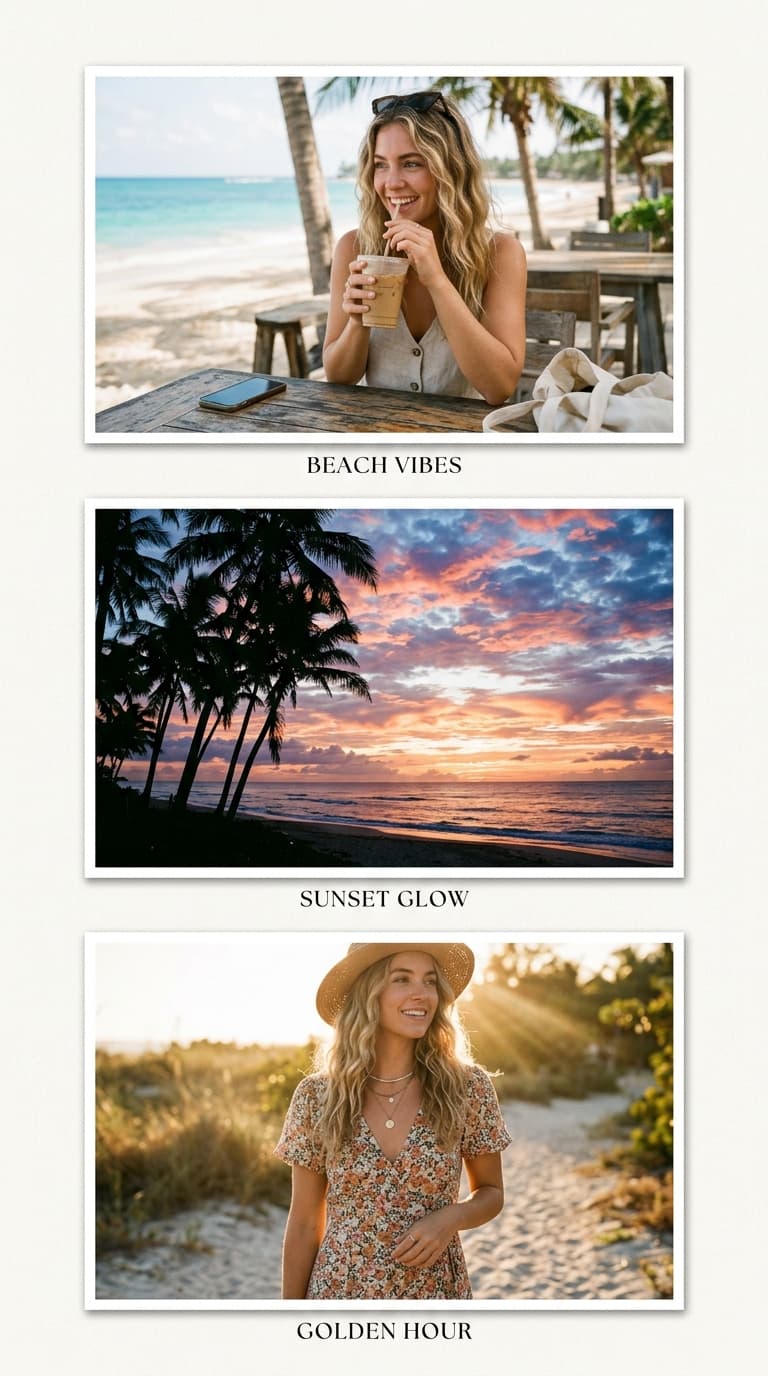
WhatsApp Native Dimension Preset
Avoid unwanted cropping or quality loss with WhatsApp's official dimension standards.
JPEG export at quality 85 typically lands collages between 300–800 KB — fast on 3G, invisible in storage warnings.
9:16 canvas fills the Status viewport completely; square posts show flanked by dead space.
Groups compress forwards harder than originals. Slightly bolder contrast survives the journey recognisably.
Composing important subjects centrally means the circular DP crop never decapitates anyone.
Pre-set for 1080x1080 (1:1) · HD watermark-free export.
The interactive collage editor loads right here. Combine up to 40 photos into one HD collage with 12 smart layouts, then download it instantly as PNG or JPEG — free, no signup, and your photos never leave your device.
Upload up to 40 photos from your phone gallery or computer.
Choose from 12 smart grid layouts and drag photos into place.
Export a watermark-free PNG or JPEG, ready to share anywhere.
Status → 9:16 canvas. Group chat → square. Deciding first prevents rework.
Higher contrast and saturation than feels necessary — forwarding compression softens everything.
The lightweight file uploads in seconds on any Indian network.
720×1280 vertical (9:16) fills the Status screen edge to edge. Squares work in chats but letterbox in Status playback.
Export as JPEG — the format toggle sits beside the download button. Typical square collages land well under the mark at quality 85.
Each forward re-compresses the image. Export with slightly elevated contrast and saturation so the second and third compression generations still look good.
Yes — keep faces within the central circle area and the circular DP crop presents them cleanly.
Nothing at all — free exports, no watermark, no signup.
Compose at exact platform dimensions and export in full HD — no watermark, no signup.