Instagram Grid Collage Tutorial: Build a Seamless Multi-Post Look
Published on
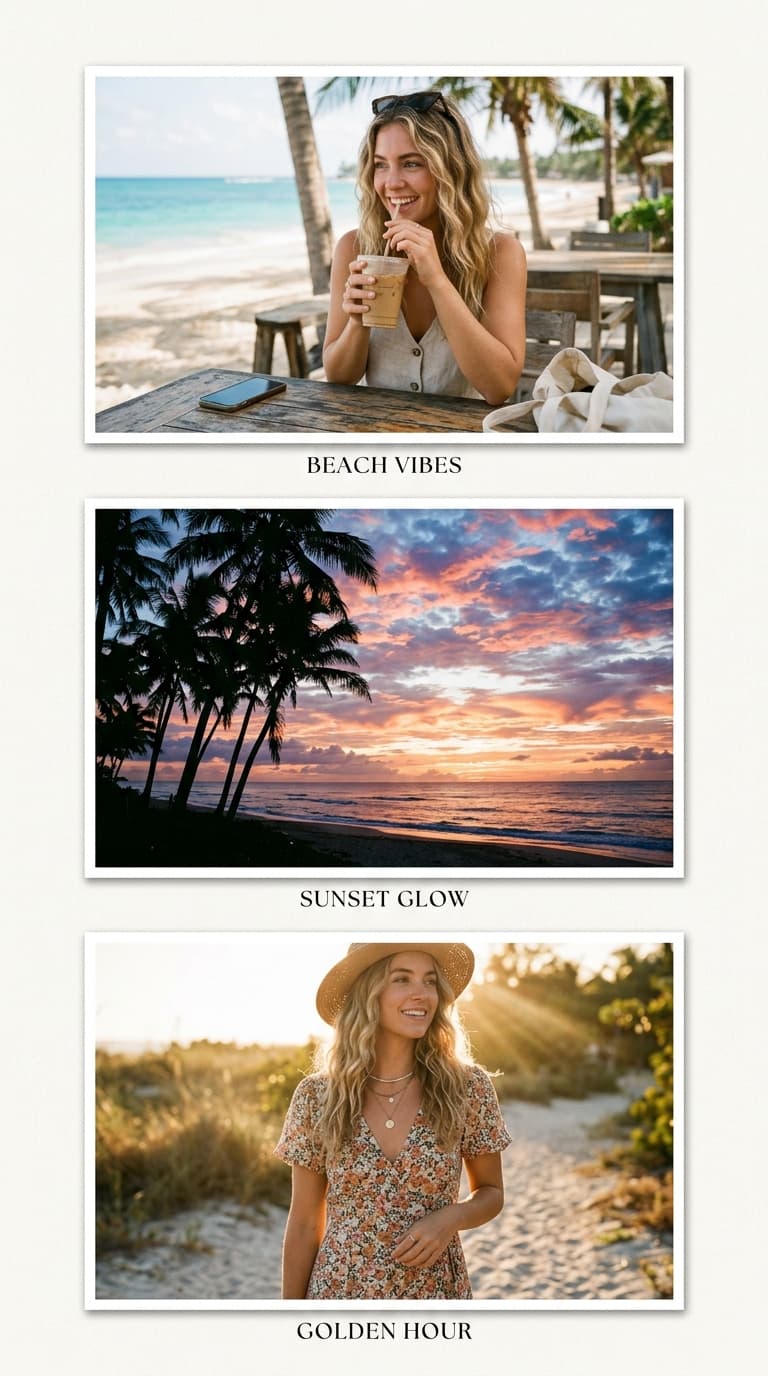
Instagram Grid Collage Tutorial: The Seamless Multi-Post Look
Splitting one image across multiple grid posts — the "seamless feed" — looks complicated but reduces to arithmetic. This tutorial covers the math, the pitfalls nobody mentions until your third post is live, and a faster hybrid approach most accounts actually prefer.
How the classic split works
Instagram displays feed images at 1080 pixels wide and the profile grid crops each post to a square thumbnail. The seamless effect takes one large canvas — say 3240×3240 (three squares wide) — divides it into nine 1080×1080 tiles, and posts them right-to-left so they reassemble on the profile.
The math: final tile width × number of columns = source canvas width. For a three-column split at standard resolution, work from a 3240px master.
Why full splits break constantly
Three failure modes account for nearly every ruined attempt:
1. New posts push the puzzle down. Every upload after the series shifts earlier tiles off their grid rows. Accounts running splits must either stop posting or accept fragmentation — fatal for anyone posting weekly.
2. Edge drift. Instagram's compression shaves a few pixels per upload differently across nine separate files. Hairline white seams appear between tiles within days of uploading.
3. Feed-view incoherence. Followers see each tile as an individual post first. A face cut across two tiles reads as broken imagery in-feed even when perfect on the grid.
The hybrid: one collage, zero maintenance
Here is what high-maintenance aesthetic accounts have largely switched to: compose a true collage — all photos in one image — and post it as a single square. Visually similar to a split from the grid view, but nothing fragments when you post next week, no seams develop, and every photo stays complete rather than sliced.
The 3×3 layout reproduces the nine-tile look inside one export: load your photos, let auto-fit centre-crop each into its cell, keep gaps at 2–4px for near-seamless density, and apply one filter preset across all cells for tonal unity.
Designing for both viewing contexts
Your single-image collage appears twice — as a full post and as a small grid thumbnail. Design for the thumbnail: strong centre cell, high contrast between neighbouring frames, faces positioned where eyes land first. Detail-rich collages that reward close inspection perform better than flat colour fields once followers open the actual post.
Export checklist
- Square canvas, PNG format for maximum sharpness before Instagram's recompression
- Contrast slightly above preview-natural to survive compression flattening
- Check the result at thumbnail size before publishing
- Keep the loaded session intact for 48 hours — quick variant exports if engagement suggests trying alternate orders
The seamless split made sense when profiles were static galleries. For active feeds, one well-composed collage delivers the same visual impact with none of the structural fragility.
Create your collage now
Launch the free tool and turn your photos into a polished collage in under two minutes.
Open Collage Maker