Best Photo Collage Apps India 2026: Features Comparison and Workflow Tips
Published on
Best Photo Collage Apps India 2026: Categories Compared
Walk into any app store search for "collage maker" and you will find hundreds of near-identical listings. Rather than ranking apps that update monthly, this guide compares the four categories behind them — because choosing the right category matters more than choosing between twins.
Category 1: Feature-heavy creative apps
Apps like PicsArt and Canva bundle collaging inside design suites — stickers, templates, brand kits, AI tools.
Strengths: unmatched template variety; useful if you already live in their ecosystem. Trade-offs: storage-hungry installs, subscription walls near the good features, ads in free tiers, and accounts required before meaningful exports. For a quick family collage, most of that machinery stays unused while still costing your phone 200+ MB.
Category 2: Lightweight native collage apps
The Layout-style apps do one thing: grids, fast, offline.
Strengths: instant launch, tiny footprint, work without internet. Trade-offs: fixed feature ceilings — usually no per-cell adjustments, limited canvas ratios, and export options frozen at whatever the developer shipped last. Fine for basic grids; limiting the moment you want Status-specific sizing or JPEG/PNG choice.
Category 3: Web-based editors
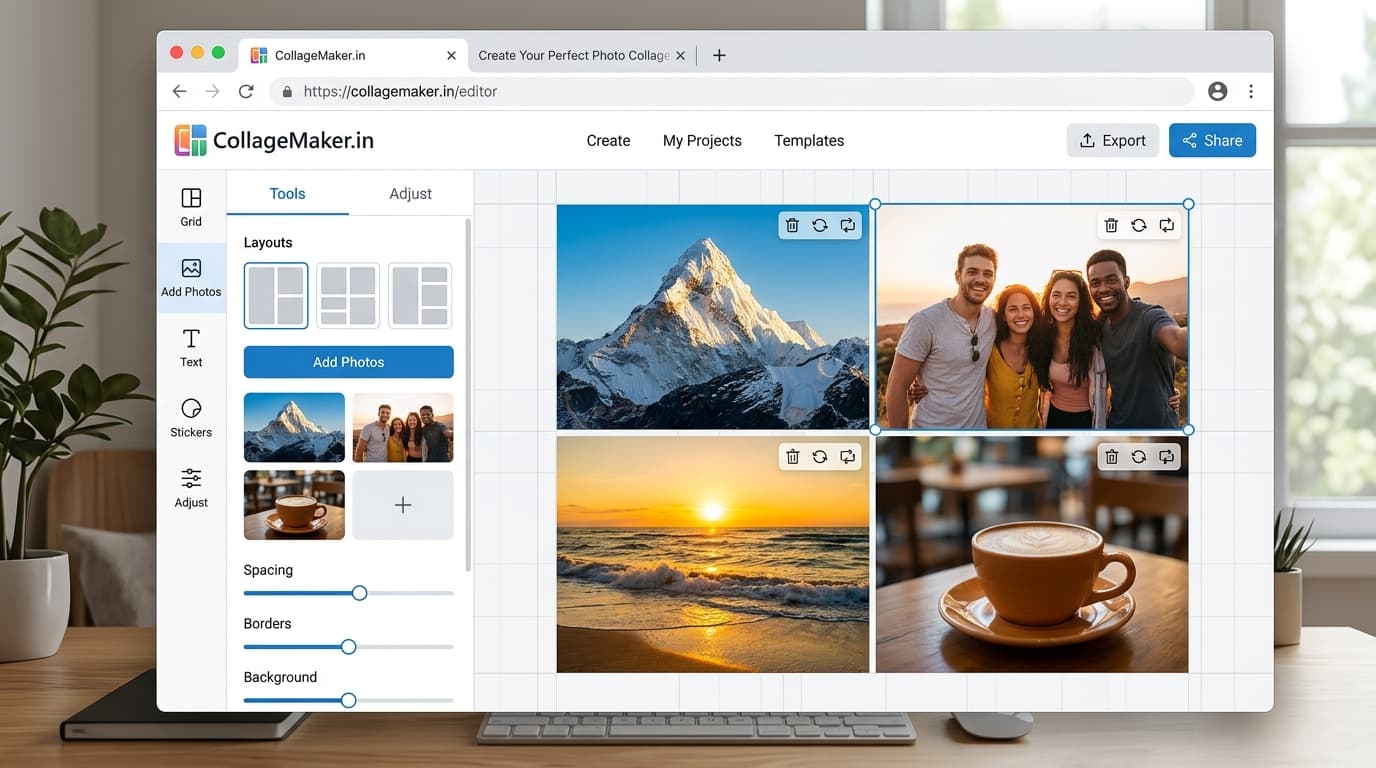
Browser tools like CollageMaker.in run the full editor in a tab — no install, no account.
Strengths: nothing stored on your device, works identically across Android/iPhone/desktop, updates silently server-side, and photos never leave the device since processing happens locally. Canvas presets for Instagram, WhatsApp Status, Facebook, and YouTube come tuned to real platform requirements. Trade-offs: needs a browser (obviously) and an initial load on slow connections — though after first load the editor runs smoothly even on modest phones.
Category 4: Phone-maker built-ins
Gallery apps from Samsung, Xiaomi, and Google ship basic collage features.
Strengths: zero friction, already installed, decent for two-second jobs. Trade-offs: least control of all categories — fixed layouts, no manual adjustments, no export format selection, and results carry whatever default processing the manufacturer chose.
Head-to-head on what Indian users actually ask for
- No watermark, guaranteed: web editors and built-ins pass reliably; freemium apps are inconsistent
- WhatsApp-ready file sizes: only web editors offer explicit JPEG/quality control
- Festival-specific workflows: dedicated web tools win; generic apps treat Diwali like any Tuesday
- Works on low storage: built-ins and web tie; heavy creative apps lose outright
- Privacy (photos stay local): web-local-processing and built-ins; upload-based apps cannot promise it
The practical recommendation
Match category to frequency. Daily creators justify learning a suite's weight. Once-a-month status-makers waste money and storage there — a browser-based editor covers every common need with zero installation, which is why phone-first users keep drifting toward the tab instead of the app store.
Try the same collage in whichever tool you currently use and one web editor. The output comparison — especially at forward-compression levels on WhatsApp — tends to settle the debate faster than any feature list.
Create your collage now
Launch the free tool and turn your photos into a polished collage in under two minutes.
Open Collage Maker